THE BOTTOM LINE
If you want to learn how to build your first website, your success depends on choosing the right tools for your specific technical comfort level, timeline, and budget.
- WordPress powers over 43% of all active websites as of 2026, making it the dominant Content Management System (CMS) option for beginners.
- A custom-coded site requires learning three core web technologies: HyperText Markup Language (HTML), Cascading Style Sheets (CSS), and JavaScript.
- Average starter web hosting plans range from $3 to $15 per month in 2026, depending on the performance features you choose.
Your final path depends on whether you prefer the rapid visual interface of site builders or the deep control of custom programming.
How to Build Your First Website: No-Code vs. Custom Code
Choosing your development method is the first decision you must make when planning your site. You can either use pre-built platforms that handle coding behind the scenes or write your markup and styles manually. Both approaches are viable, but they serve different goals, timelines, and technical skill levels.
Option A: Use a Website Builder or CMS (No-Code)
A Content Management System (CMS) or visual website builder allows you to organize content and design pages without writing raw code. These systems use visual editors, allowing you to drag layout components directly onto a digital canvas.
- Visual Editors: Drag-and-drop web design interfaces let you build functional pages visually, reducing launch times to less than five hours.
- WordPress Platform: Choosing self-hosted software from WordPress.org gives you absolute ownership over your content and direct access to more than 59,000 customizable plugins.
- Managed Environments: Popular web builders bundle hosting and security certificates together, which simplifies the launch phase but restricts advanced server configurations.
Option B: Learn to Code (HTML, CSS, and JavaScript)
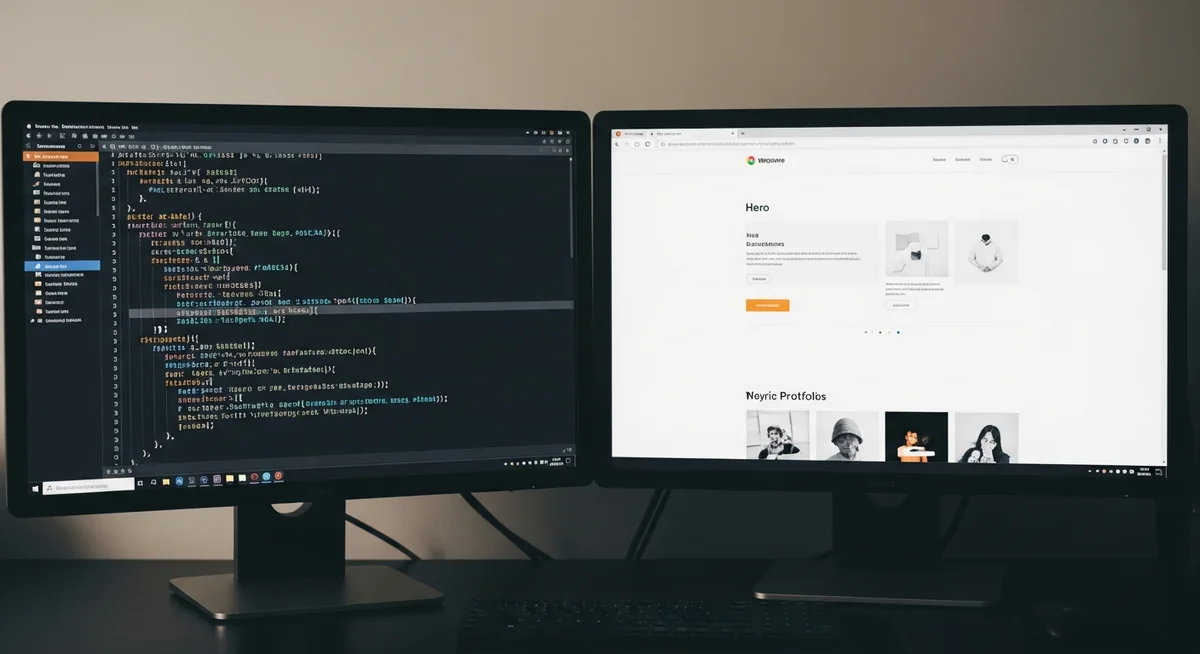
Building your site with custom code gives you complete structural control and ensures your layout loads as quickly as possible. This approach requires saving your files locally and using a code editor to write raw web files.
- Core Languages: You must write HyperText Markup Language (HTML) to structure your page content, Cascading Style Sheets (CSS) to style the design, and JavaScript to add interactive components.
- MDN Web Docs Guidance: Educational roadmaps published by MDN Web Docs emphasize that starting with a basic static page helps beginners understand file relationships and browser rendering behaviors.
- Zero Platform Fees: Writing custom files eliminates monthly builder subscription costs and leaves you with lightweight pages that load with minimal resource overhead.
How Do You Secure Your Domain Name and Web Hosting?
Your domain name is your online address, while web hosting is the virtual engine where your website files are stored. Connecting these two elements makes your platform accessible to global visitors. Note that hosting software versions, features, and monthly prices change frequently, so you should check current provider rates directly before purchasing.
- Domain Registration: Register your brand name through an accredited domain registrar for roughly $10 to $20 annually.
- Hosting Selection: Shared hosting represents an affordable starting point for small platforms, while a Virtual Private Server (VPS) offers dedicated system resources for heavy traffic.
- SSL Security: Install a Secure Sockets Layer (SSL) certificate to display the Hypertext Transfer Protocol Secure (HTTPS) protocol in web browser address bars. Note that while SSL encrypts visitor connections, comprehensive site security requires regular plugin updates, strong administrator passwords, and active malware scanning.
- DNS Configuration: Connect your registered domain to your active hosting server by updating the Domain Name System (DNS) nameservers inside your registrar control panel.
How Should You Plan Your Website Structure and Content?
A structured outline prevents disorganized layouts and ensures your target readers find what they need. Mapping out your pages before you start designing saves development time and keeps your project focused.
What Are Your Core Pages?
Every standard platform requires a set of baseline pages to answer basic visitor questions. This structural core forms the skeleton of your navigation system.
- Homepage: This is your primary entrance page, which must clearly communicate your core purpose within three seconds of a user landing on it.
- About Page: A biographical page that explains your background, mission, and professional credentials to build credibility with your audience.
- Contact Page: A practical resource containing secure inquiry forms, functional email addresses, or social profiles so visitors can connect with you.
How Do You Map the Visitor’s Journey?
The user experience depends on intuitive menus and clear navigational paths. You must direct users through your pages systematically.
Construct clear navigation menus containing no more than seven main options to keep the layout scannable. Guide your visitors toward a single primary Call-To-Action (CTA), such as signing up for an email newsletter or booking a consultation. Test your menu structures regularly to confirm that a visitor can reach any piece of content on your website in three clicks or fewer.
How Do You Design and Customize Your Layout?
Effective design blends visual style with accessibility and fast loading speeds. Your design layout must work reliably across every screen size, browser, and operating system.
- Responsive Design: Configure your layouts to scale automatically across mobile phones, as mobile traffic accounts for over 55% of global web consumption.
- Visual Hierarchy: Use contrasting sizes, bold typography, and intentional white space to guide the reader toward your high-priority headlines first.
- Font Selection: Restrict your typographical layout to two complementary web fonts to maintain visual consistency and protect server loading speeds.
- Color Palettes: Choose a cohesive color scheme featuring one dominant background color, a supporting secondary shade, and a high-contrast color for buttons.
How Do You Set Up Essential Pages and Legal Documents?
Operating a website carries specific legal responsibilities regarding data privacy and user safety. Having these documents published protects your brand and establishes trust with your target audience.
- Privacy Policy: Most regional jurisdictions require a public page outlining how you collect, handle, and store user analytics under frameworks like the General Data Protection Regulation (GDPR). Review our Privacy Policy for examples of how to disclose third-party data collection.
- Legal Disclosures: If your web platform hosts affiliate programs or displays partner links, you must clarify these marketing relationships. Review our Legal Notice to see how independent sites structure their operational disclaimers.
- Terms of Service: This document establishes the terms under which users browse your pages, protecting your custom intellectual property and limiting your operational liability.
How Do You Optimize for Search Engines and Analytics?
Search Engine Optimization (SEO) helps search engines find, evaluate, and rank your content in organic search results. Adding basic analytics tracking lets you monitor these visitors as they interact with your pages.
- Meta Information: Customize your search title tags and meta descriptions for every page to help search engine crawlers index your layout context accurately.
- Performance Diagnostics: Use visual auditing suites like Lighthouse on the web.dev platform to analyze your load times, accessibility, and SEO structure.
- Image Optimization: Compress your layout images into modern formats like WebP to keep your total media file size under 100 kilobytes.
- Search Integration: Generate an Extensible Markup Language (XML) sitemap and register your platform directly inside Google Search Console to speed up indexing.
How Do You Test and Launch Your Website?
The launch process requires running a series of quality assurance checks before sharing your link with the public. Correcting functional errors before deployment guarantees a smooth experience for your first users.
Verify your page layouts across popular web browsers like Chrome, Firefox, and Safari to resolve potential cross-browser rendering bugs. Fill out and submit every input form personally to ensure inquiries reach your administrative inbox securely. Once these tests are complete, make your platform public by pointing your custom domain to your web host or hitting publish within your CMS dashboard. Note that Domain Name System propagation can take up to 48 hours to update globally, so monitor your visitor traffic closely during this launch window.